Dubai property basics
How to Verify a Dubai Property Advertisement Before You Enquire
Before contacting a Dubai property advertiser, scan the ad's Madmoun QR code and compare the official DLD result. If the code is missing, do not rely on the advertisement.
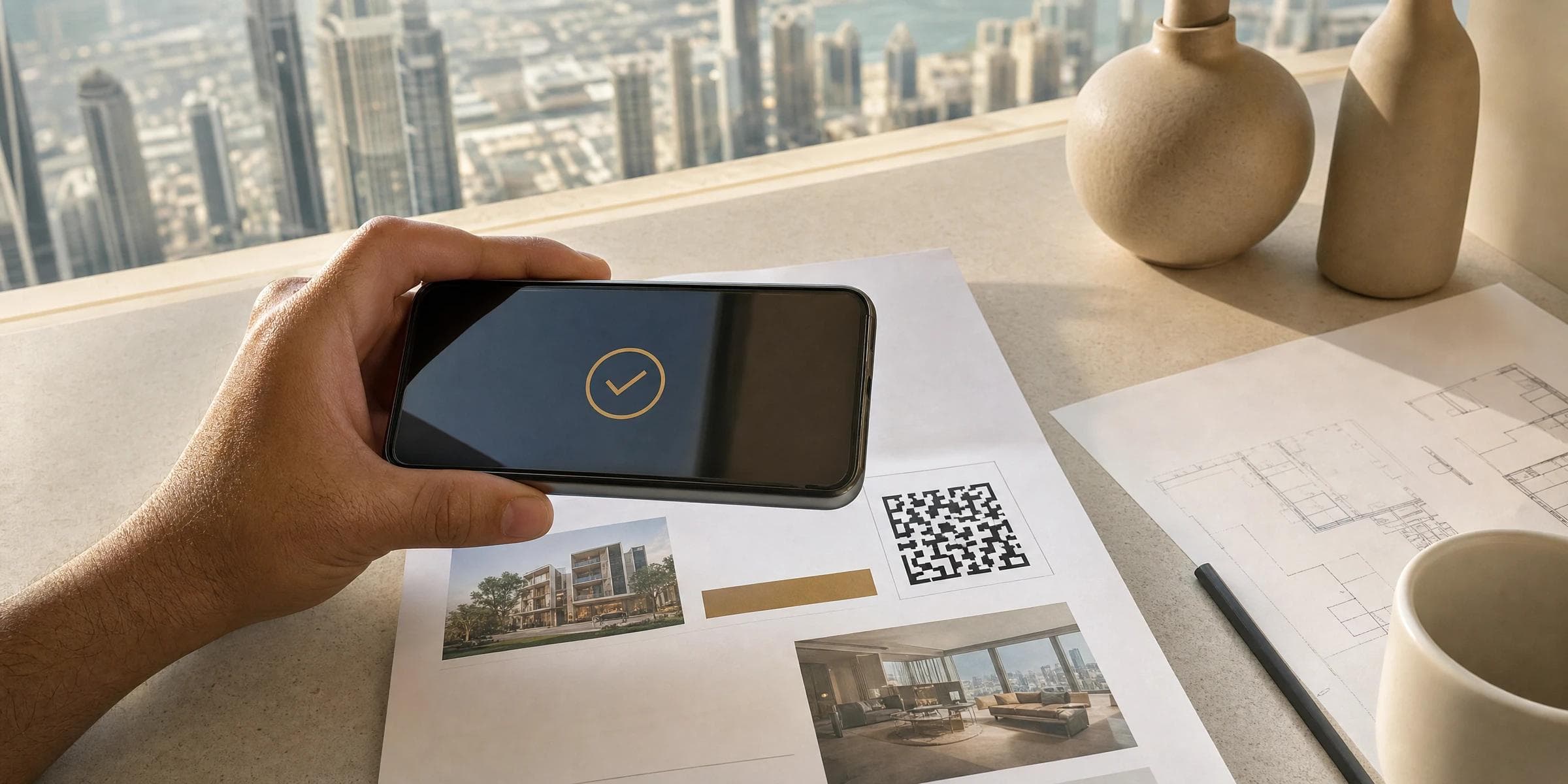
Before you contact the advertiser behind a Dubai property advertisement, scan its Madmoun QR code and compare the result with the advertisement. The official result can confirm RERA approval and show the advertising company and the property's authorised status and details. If the code is missing, do not rely on the advertisement.
Start with the Madmoun QR code
Dubai Land Department introduced Madmoun through the Real Estate Regulatory Agency as part of the Trakheesi system. Madmoun issues a QR code for a real estate advertisement permit. The requirement took effect on 24 April 2023, and DLD confirmed in April 2025 that real estate companies must display the code on visual and written real estate advertisements.
What to check after you scan
- Confirm that DLD shows the advertisement as approved by RERA.
- Compare the advertising company's details with the name shown on the advertisement.
- Compare the authorised property status and details with the claims in the advertisement.
- Check whether the result says the property has already been sold or rented.
If the code is missing or the details do not match
DLD advises customers and investors to engage only with real estate advertisements that carry the QR code. It reiterated in February 2024 that the public should not engage with an advertisement that lacks a permit and QR code. If the official result differs from the advertisement, pause and verify the permit separately rather than relying on the advertisement alone.
Use DLD's separate permit-verification service
DLD's Verify License and Permits service lets customers verify electronic licences and permits issued by DLD for real-estate activity practitioners in Dubai through Trakheesi. DLD lists the service as immediate, available on its website and the Dubai REST app, and open to all residency statuses. This provides a second official route when you want to verify a licence or permit directly.
What this check confirms
The check confirms the information DLD displays for that advertisement or permit. Treat it as an advertisement-verification step, not as a substitute for any separate checks or professional advice relevant to a purchase or tenancy before you sign or pay.